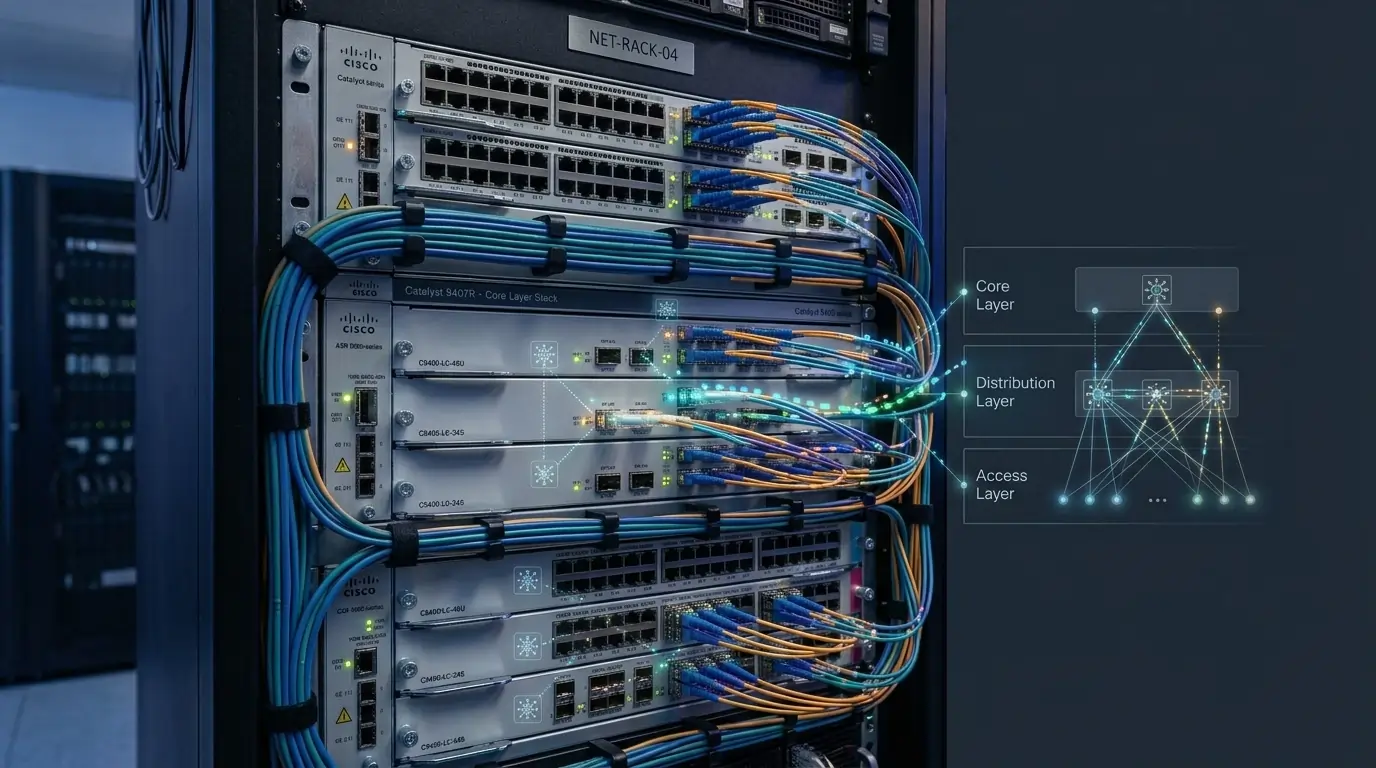

Learn how to configure MikroTik BGP on RouterOS v7 for ISP deployments in Bangladesh. This comprehensive guide covers eBGP configuration, route filtering, BGP attributes, troubleshooting, security best practices, and multihoming.
Introduction
Border Gateway Protocol (BGP) is the backbone of the modern Internet. Every Internet Service Provider (ISP) relies on BGP to exchange routing information with upstream providers, Internet Exchange Points (IXPs), and other autonomous systems.
For ISPs in Bangladesh, proper MikroTik BGP configuration ensures:
- Reliable Internet connectivity
- Efficient routing
- Automatic failover
- Traffic engineering
- High network availability
Whether you’re a beginner or an experienced network engineer, this guide explains the concepts and provides real-world MikroTik RouterOS v7 examples.
What is BGP?
Border Gateway Protocol (BGP) is the Internet’s standard Exterior Gateway Protocol (EGP).
Unlike routing protocols such as:
- OSPF
- RIP
- EIGRP
BGP selects routes based on routing attributes instead of shortest distance.
Major attributes include:
- AS Path
- Local Preference
- MED
- Next Hop
- Communities
This makes BGP highly scalable and ideal for Internet routing.
Why Bangladeshi ISPs Use BGP
Most ISPs in Bangladesh connect to multiple upstream providers and BDIX exchanges.
Typical goals include:
- Multiple upstream connectivity
- Automatic failover
- Lower latency
- Better traffic engineering
- Route exchange through BDIX
- Public IP advertisement
Without BGP, efficiently managing multiple Internet connections becomes extremely difficult.
BGP Requirements
Before configuring MikroTik RouterOS v7, ensure you have:
- Public ASN (Autonomous System Number)
- Public IPv4 and/or IPv6 Prefix
- Upstream ISP BGP Information
- MikroTik RouterOS v7
- Stable Internet Connection
Example Network Information
| Item | Value |
|---|---|
| Local ASN | 65010 |
| Remote ASN | 17494 |
| Neighbor IP | 203.112.1.1 |
| Public Prefix | 103.150.50.0/24 |
MikroTik eBGP Configuration (RouterOS v7)
Create a BGP connection.
/routing bgp connection
add name=Upstream \
remote.address=203.112.1.1 \
remote.as=17494 \
local.as=65010
Advertising Public Networks
Advertise your public prefix.
/routing bgp network
add network=103.150.50.0/24
Verifying BGP Sessions
Check the BGP session status.
/routing bgp session printIf the state is:
EstablishedYour BGP peering is working correctly.
Configuring Route Filters
Never advertise every route.
Instead, use routing filters.
Example:
/routing filter rule
add chain=bgp-out rule="if (dst == 103.150.50.0/24) { accept }"
add chain=bgp-out rule="reject"
Benefits
- Prevent route leaks
- Improve security
- Advertise only valid prefixes
- Maintain a clean routing table
Understanding Important BGP Attributes
Local Preference
Determines the preferred outbound path inside your own AS.
Higher value = More preferred.
AS Path
Shows how many autonomous systems a route has crossed.
Generally:
Shorter AS Path = Better Route
MED (Multi Exit Discriminator)
Suggests which entry point another AS should use.
Lower MED is generally preferred.
Next Hop
Indicates the next router to reach before forwarding traffic.
BGP Communities
Communities are optional tags attached to routes that simplify routing policy management.
ISPs commonly use communities to:
- Control upstream routing
- Blackhole traffic
- Influence Local Preference
- Apply routing policies
Best Practices for Bangladeshi ISPs
For stable production deployments:
- Always filter inbound routes
- Always filter outbound routes
- Advertise only your own prefixes
- Configure prefix limits
- Monitor BGP sessions
- Use redundant upstream providers
- Peer with BDIX where possible
- Keep RouterOS updated
- Secure router access
Common BGP Troubleshooting
1. Check Connectivity
/ping 203.112.1.12. Verify ASN
Confirm:
- Local ASN
- Remote ASN
Both must be correct.
3. Check Firewall
Allow:
TCP Port 1794. Verify Advertised Network
Ensure your prefix exists in the routing table.
5. Check Session Status
/routing bgp session printCommon states:
| State | Meaning |
|---|---|
| Idle | Waiting |
| Connect | TCP Connecting |
| Active | Trying Again |
| OpenSent | BGP Open Sent |
| OpenConfirm | Negotiating |
| Established | Success |
Security Recommendations
Protect your BGP infrastructure by implementing:
- MD5 authentication (where supported)
- Strict inbound filters
- Strict outbound filters
- Reject bogon routes
- Reject private IP ranges
- Prefix limits
- Continuous monitoring
- Router backups
- Logging BGP events
These practices reduce the risk of:
- Route hijacking
- Route leaks
- Misconfiguration
- Service outages
Frequently Asked Questions
Is MikroTik suitable for ISP BGP?
Yes.
RouterOS supports:
- eBGP
- iBGP
- Route Filters
- Communities
- ECMP
- Traffic Engineering
making it suitable for small and medium ISPs.
Should I use RouterOS v6 or RouterOS v7?
RouterOS v7 is recommended because it includes:
- Modern routing engine
- Better BGP performance
- Improved scalability
- Long-term support
Can I connect multiple upstream providers?
Yes.
BGP supports multihoming, enabling:
- Automatic failover
- Load balancing
- Better path selection
Does BGP improve Internet speed?
Not directly.
However, it improves:
- Routing efficiency
- Network stability
- Lower latency
- Better path selection
which can enhance user experience.
Conclusion
Border Gateway Protocol (BGP) is an essential technology for modern ISPs.
Using MikroTik RouterOS v7, network administrators can build scalable, secure, and highly available networks by configuring eBGP sessions, implementing route filtering, optimizing routing policies, and following industry best practices.
For ISPs in Bangladesh, mastering MikroTik BGP enables reliable connectivity, efficient traffic engineering, and resilient Internet infrastructure capable of supporting future growth.